
How to Get and Use Splitters in Travel Town
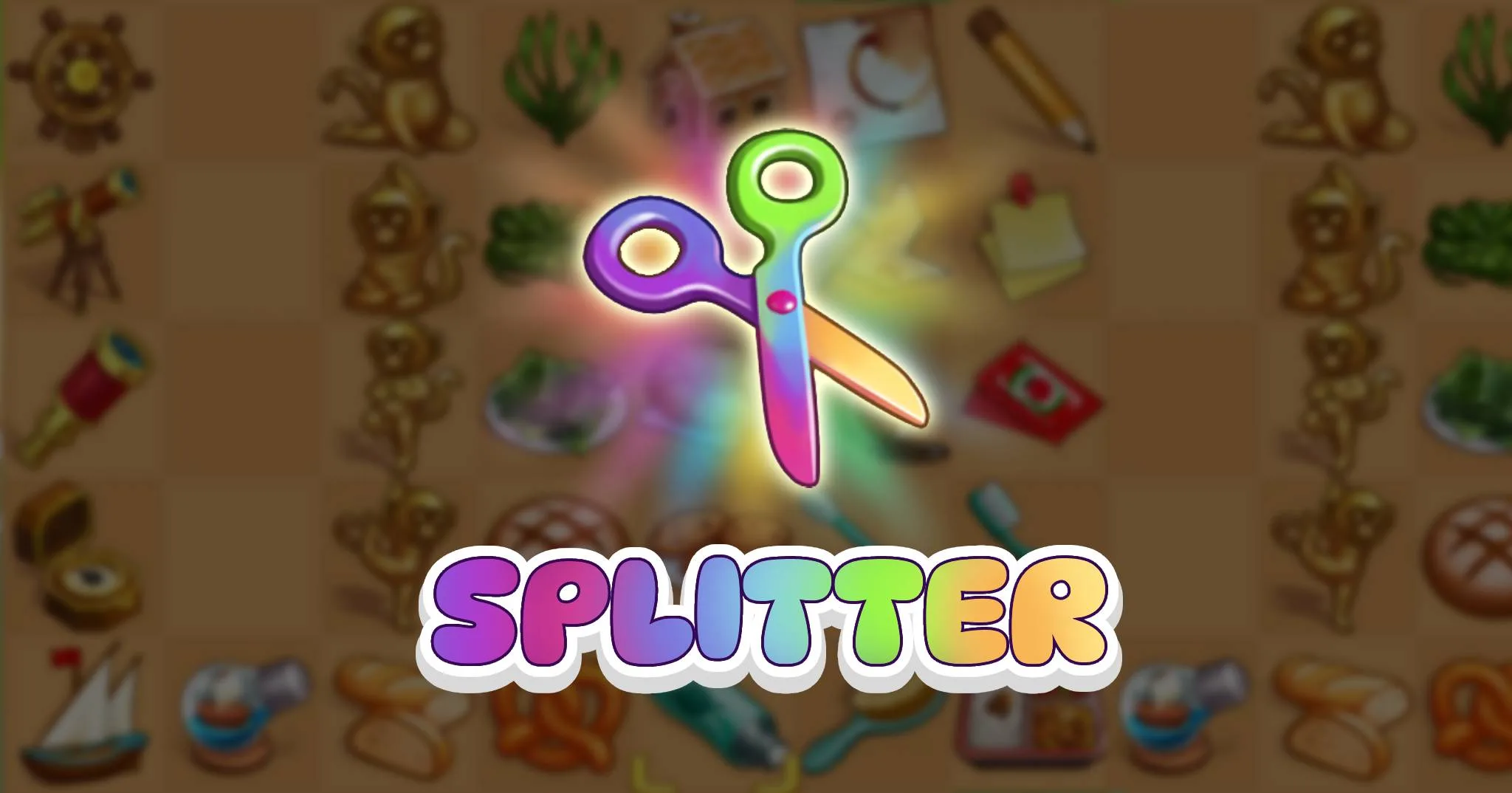
The Splitter is one of the handiest tools in Travel Town that offers players flexibility and control over their board. It can be used to unmerge an item into two separate items from the previous level in a chain when needed, making it a valuable asset for Travel Town veterans.
In this guide, I’ll share with you how to earn free Splitters and use them correctly.
Let’s dive in.
What Is a Splitter?
In Travel Town, the Splitter is a scissors-shaped tool that you can use to split one item into two smaller items from the level below it. In other words, the Splitter is a tool that undoes a merge on your board.
The Splitter is an important board item, just like the Joker, as it helps you finish tough orders and collect big rewards.
How?
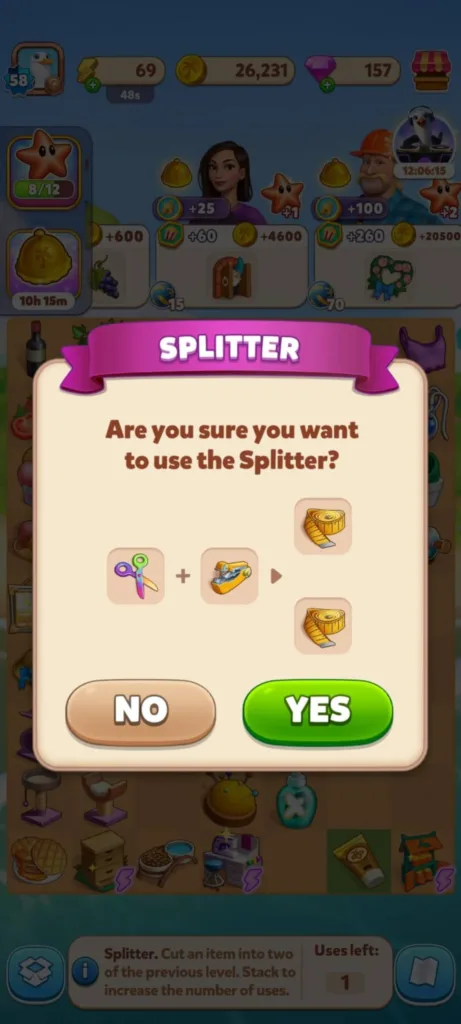
So say you merged your way up to a level 13 item, then a big timed order appears requesting the level 12s. Instead of rebuilding the chain from scratch, which often takes a ton of time and energy, you can use the Splitter on the level 13 item to get two level 12 items and finish the order right away.
That said, if you have many Splitters, you can stack them to save space, whether on the board or in the inventory. Just drag one Splitter onto another to combine them, then drag the stack onto the item you want to split.
Each use lowers the number in the stack by one, and if you want to check how many uses are left, tap the Splitter, and you’ll see the info panel at the bottom of the screen.
However, you can’t use the Splitter on Producers and exclusive items that appear on the board during special events.
Important Note: In the past, we were able to undo the split, but now you can’t. Once you confirm your action, the splitter will be used and you can’t get it back. I wasted two splitters on items that I don’t need at all just to confirm this.
How to Get a Splitter in Travel Town
You can get the Splitter via a bunch of different activities in the game, so let’s break down the most common ones:
Finishing weekly goals
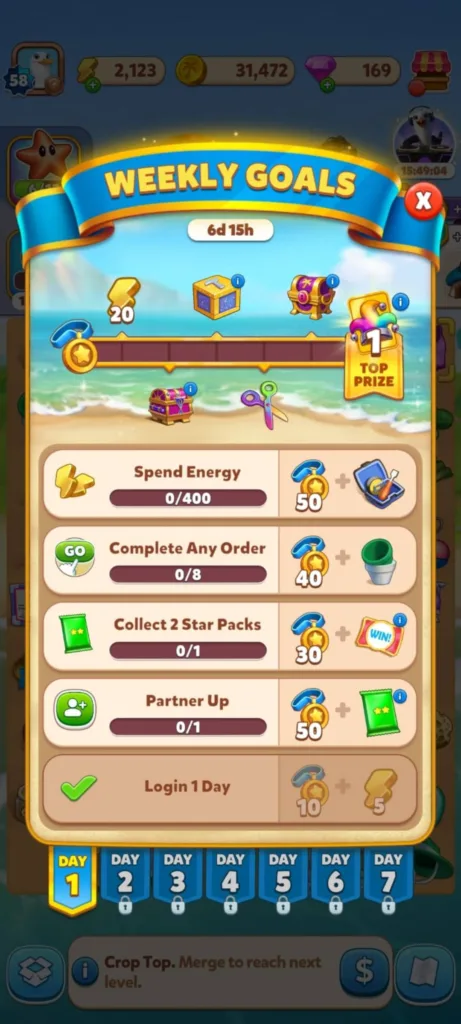
Weekly goals reset every Monday and build toward a bigger prize at the end. Splitters show up in that reward track pretty regularly, alongside diamonds, energy, and card packs. This one’s easy to miss if you’re not actively working toward the weekly goal, so keep an eye on it.
Completing card sets
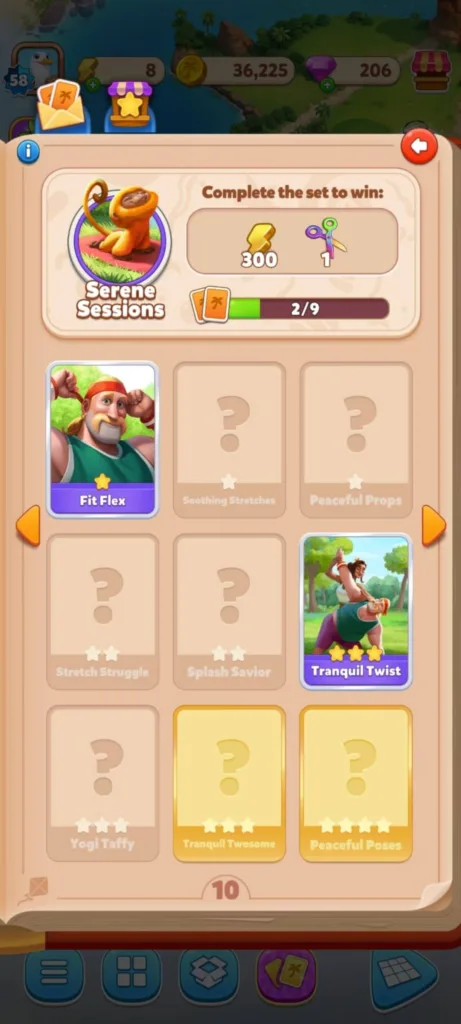
You can earn a Splitter along with other rewards when you finish a card set. However, not every set rewards you with one, so check the header of any card set before you finish it to see exactly what’s on offer.
Participating in events
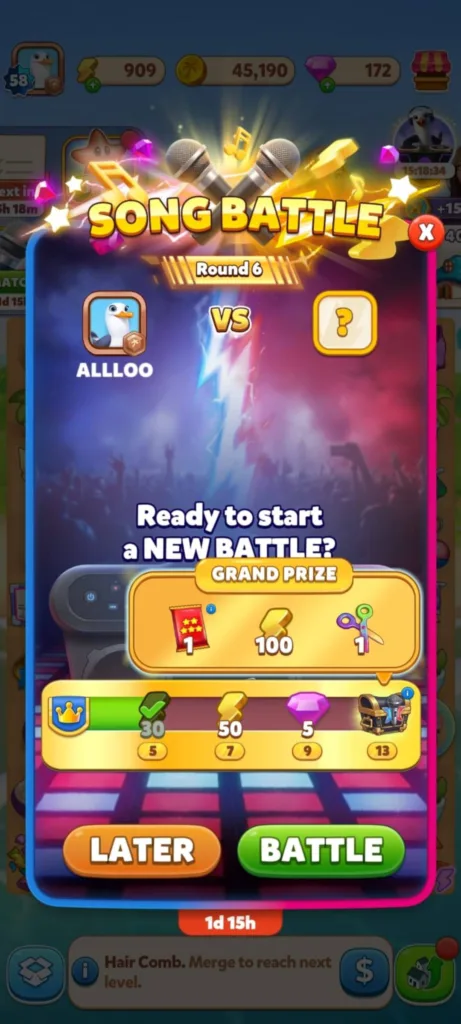
Events really are where you’ll get to earn the most Splitters, so, it’s essential to keep an eye out for any event that might pop up.
Leveling up
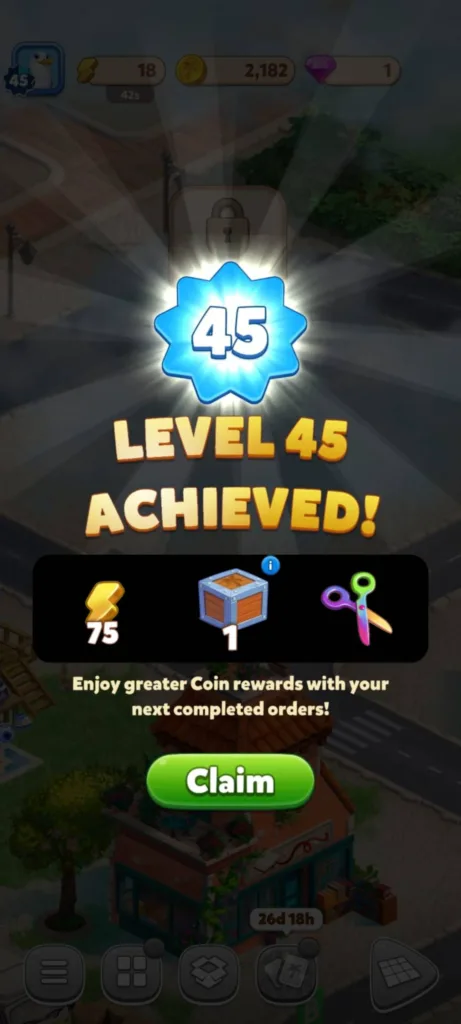
Occasionally, Travel Town may offer the Splitter as part of leveling-up rewards. But there’s no set list of levels where you’re guaranteed one.
Buying with diamonds
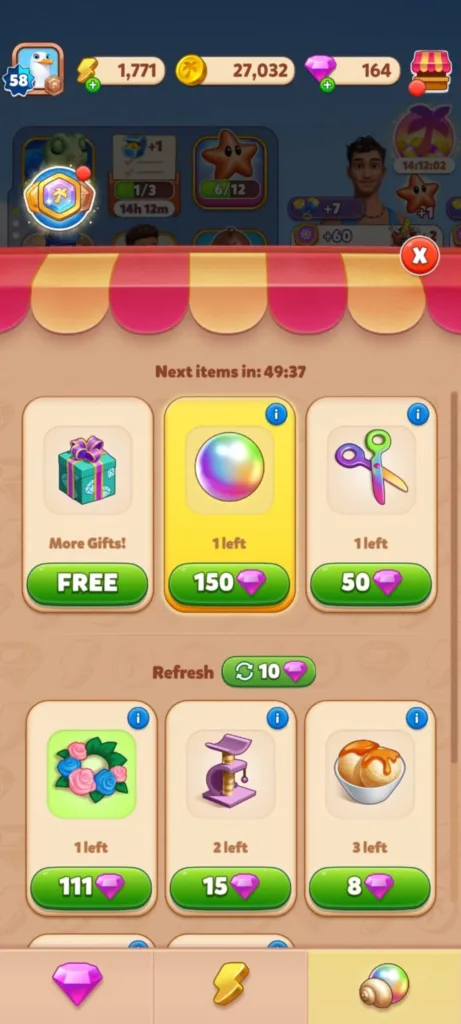
If you don’t have a Splitter but you urgently need one to complete an important order, then you can spend 50 diamonds to get one from the in-game shop. Just keep in mind that you can’t get more than one until the timer runs out.
Furthermore, you can earn free Splitters through the Travel Pass, Tick Tock Orders, Loyalty Program, and more.
How to Use a Splitter in Travel Town
To use a Splitter, first, make sure to drag it from the inventory onto the board.
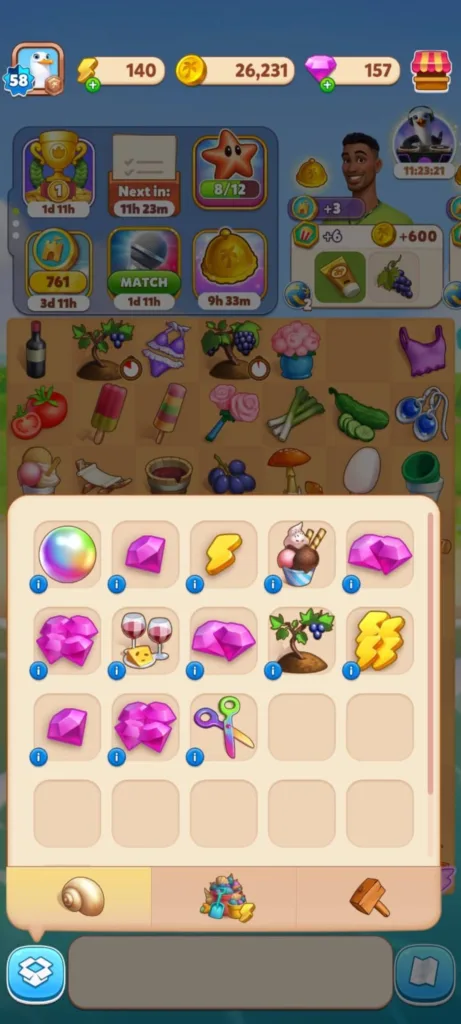
Next, drag it onto the item you want to divide, and a new window will pop up.
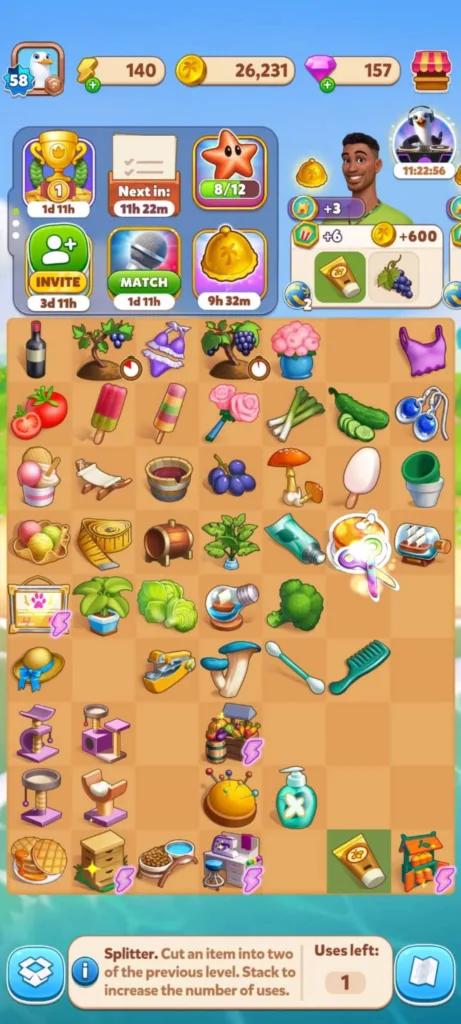
Finally, tap “Yes” to confirm your action. That’s it.
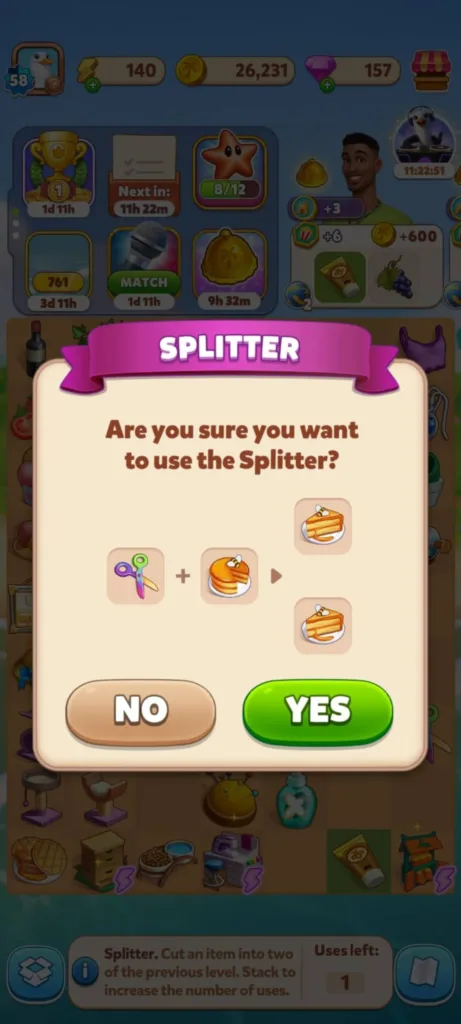
Only remember not to waste your Splitters on low-level items that are easy to craft. I recommend using it when an auto order with a huge reward asks for an item that you can’t craft in time, or you don’t have enough energy as well.
I often use it in combination with the Joker to make one item for the auto order and still keep the original item in my inventory ready for later. And this is the Joker-Splitter-Joker trick if you’ve heard of it before.
