
Travel Town Auto Producers List With Images (Updated 2026)
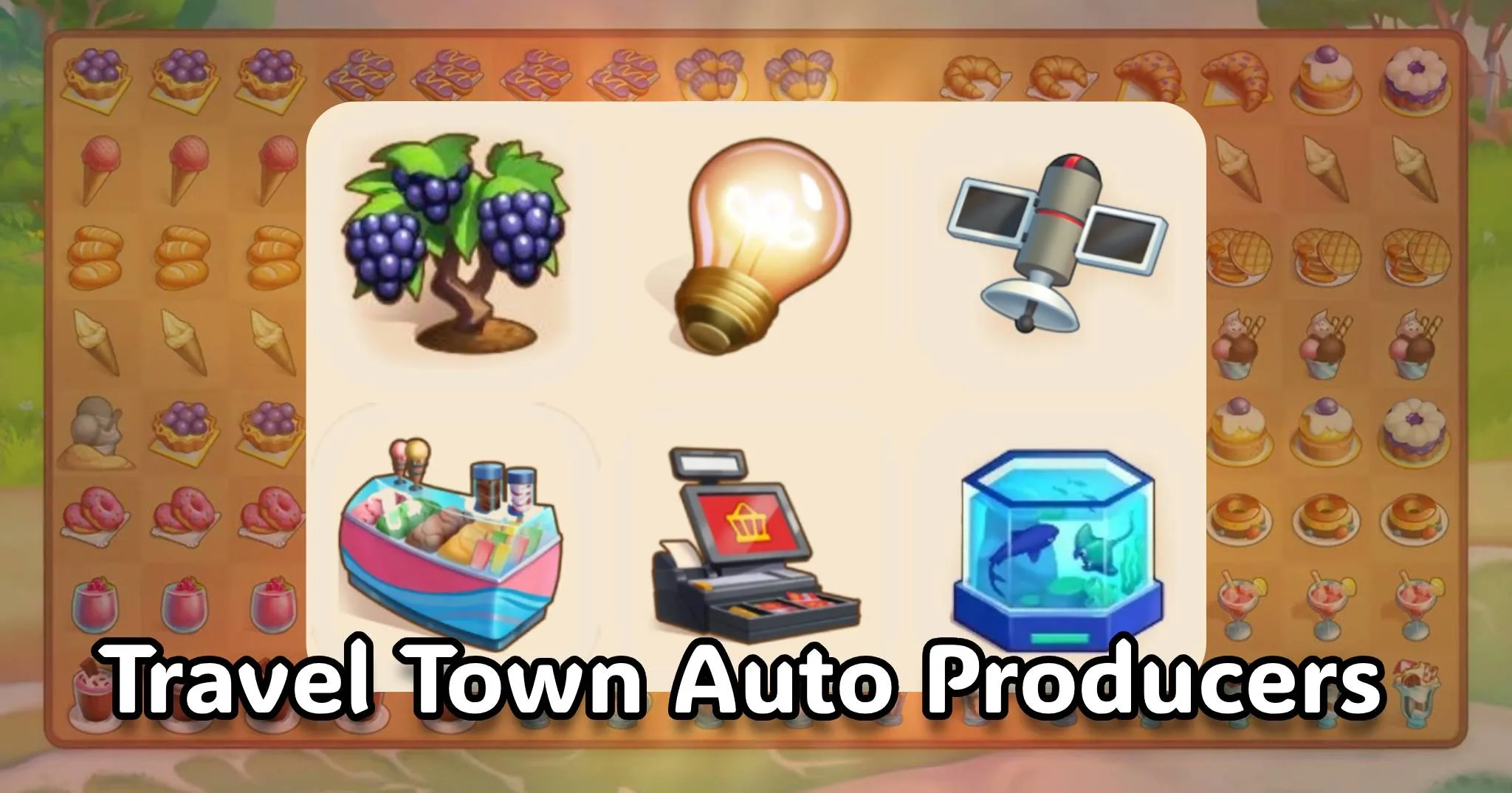
This is a list of Travel Town automatic Producers.
Auto Producers generate the items that trigger Auto Orders, and Auto Orders give you coins and toolboxes which you need to upgrade the buildings in your town.
In other words, Auto Producers = Auto Orders. Auto Orders = Progress.
So if you want to progress faster in Travel Town, then you should care about the Auto Producers.
In this post, you’ll find every Auto Producer in the game along with its image, name, and the level required to unlock it. Plus the best tips to get the most out of them.
Travel Town Auto Producers List
Here is the list of all Auto Producers in Travel Town with images, names, collection tab, and the level at which you’ll unlock each one:
Producer Image | Producer Name | Unlock at Level | Collection tab |
|---|---|---|---|
 | Jewelry Display | 11 |  |
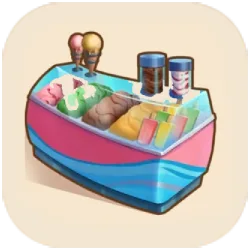 | Ice Cream Maker | 24 |  |
 | Light Source | 34 |  |
 | Cash Register | 44 |  |
 | Vine | 55 |  |
 | Ghostly Graveyard | 65 |  |
 | Sheet Music | 75 |  |
 | New Age Books | 85 |  |
 | Barn Vehicles | 95 |  |
 | Rescue Rides | 105 |  |
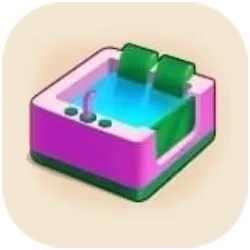 | Spa Facilities | 115 |  |
 | Fish Tank | 125 |  |
 | Skating Ramps | 135 | |
 | Art Gallery Admission | 145 | |
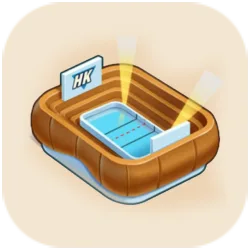 | Skating Rink | 155 | |
 | Town Bank | 165 | |
 | TV Tower | 175 | |
 | Ballet Show | – | |
 | Bowling Ball Rack | – | |
| Kitchen Appliances | – | |
What Are Auto Producers in Travel Town?
Auto Producers are a type of producer in Travel Town that generate items from their main chain without costing energy (unlike the regular Producers which cost energy for every tap). But instead, they require time to recharge between uses.
Let me explain more about how the Auto Producers work:
- You tap the Auto Producer to start (or if there is space around it, it will start automatically).
- It generates items from its chain without using energy.
- A cooldown timer starts. And once it ends, you can generate items again.
Simple.
You’ll need these Auto Producers to progress faster in the game by triggering Auto Orders which reward you with coins and some free energy as well.
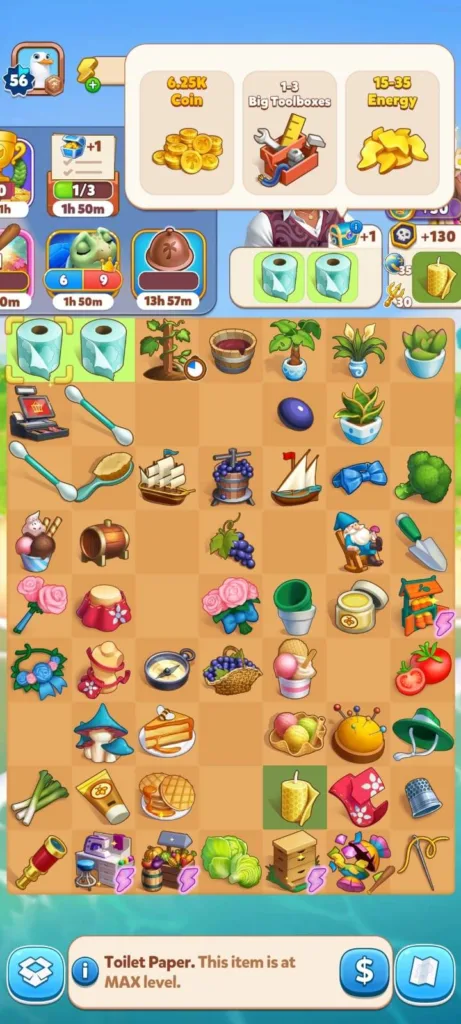
How to trigger the Auto Orders?
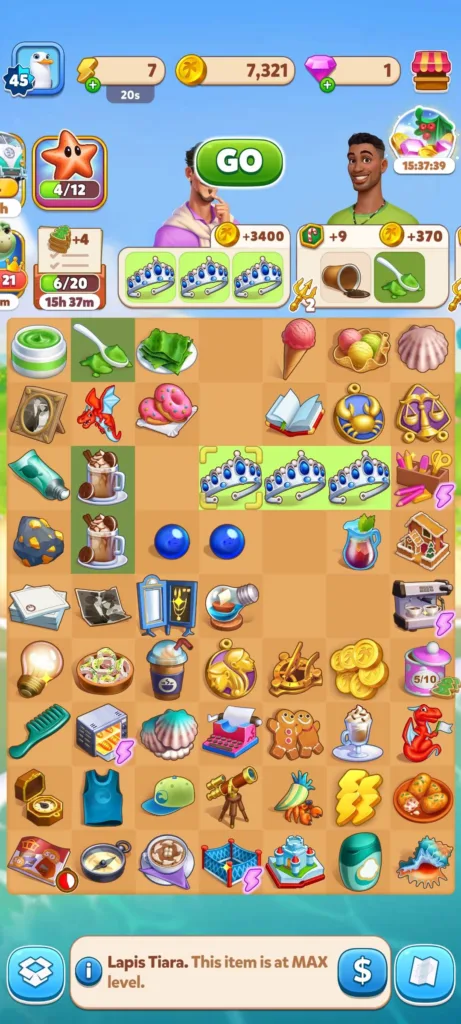
When you merge items from an auto producer all the way to the maximum level of their chain (such as making three Lapis Tiaras from the Jewelry Display), a special Auto Order automatically triggers. Then deliver it and collect the reward.
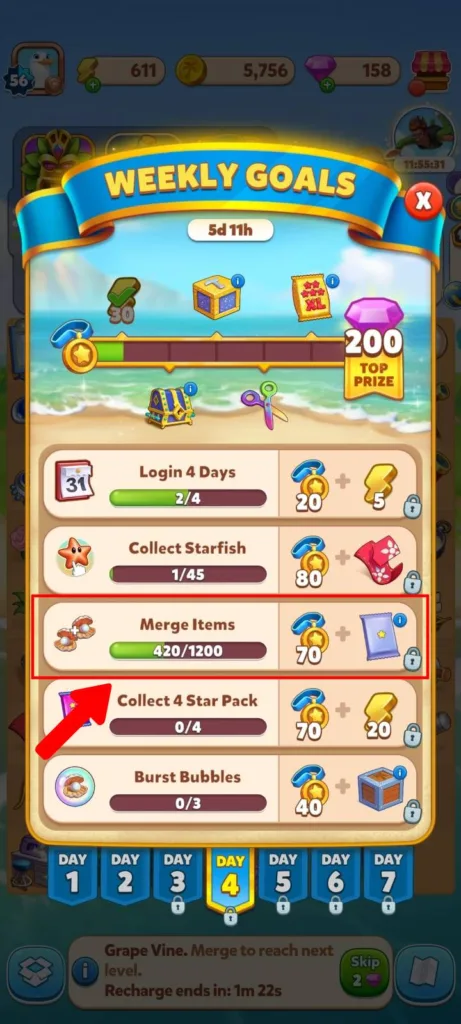
Also, since Auto Producers don’t require energy, you’ll need them to complete the daily and weekly missions that require you to merge a large number of items.
That’s it.
Best Tips to Use Auto Producers
Now it’s time to share with you some of the best tips to get the most out of your Auto Producers.
Don’t merge all your Auto Producers
You should not merge your Auto Producers because you’ll combine two generators into one and cut the number of active cooldown sources you have on the board.
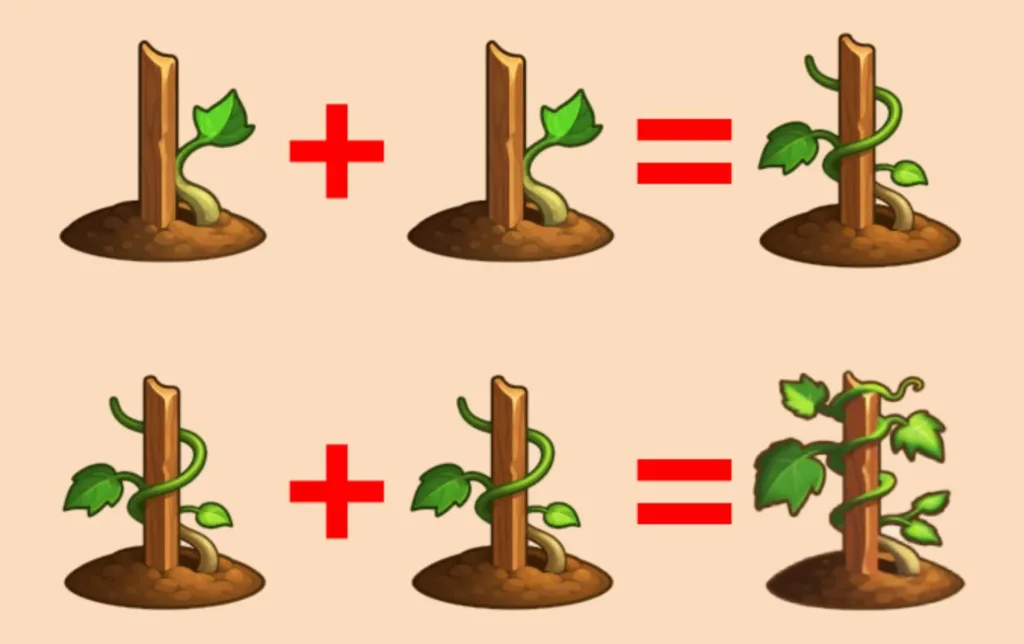
So instead of that, keep several low-level auto producers unmerged, and let each one work on its own cooldown. This way, you’ll generate multiple items at once each time the timer runs out which helps you trigger the Auto Orders very quickly.
Organize your board for Auto Producers
Auto producers will need empty tiles to drop their items when cooldowns finish, so your board layout matters as much as the producers themselves.
Why?
Well, if your board is full when a cooldown ends you’ll block production, and waste time that could have been generating more items.
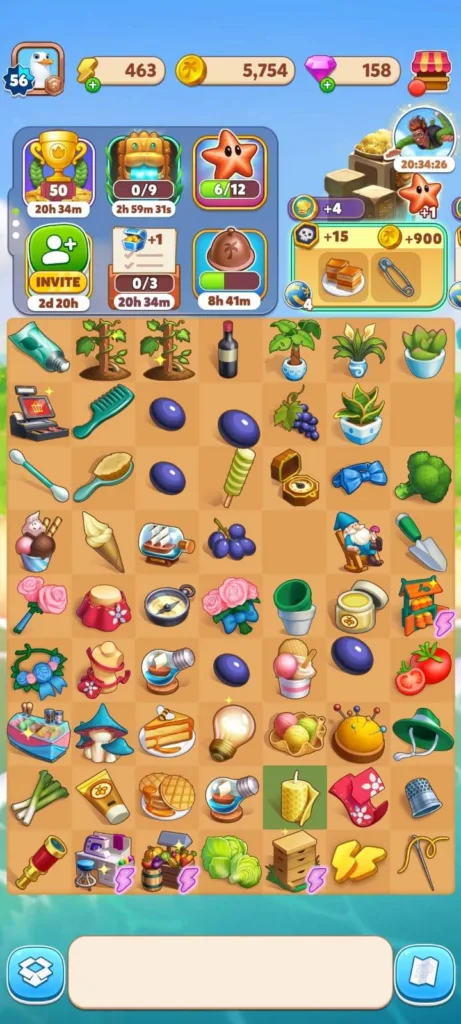
That said, you have to keep the Auto Producers in one corner or top rows and grow their chains in a clean column below them.
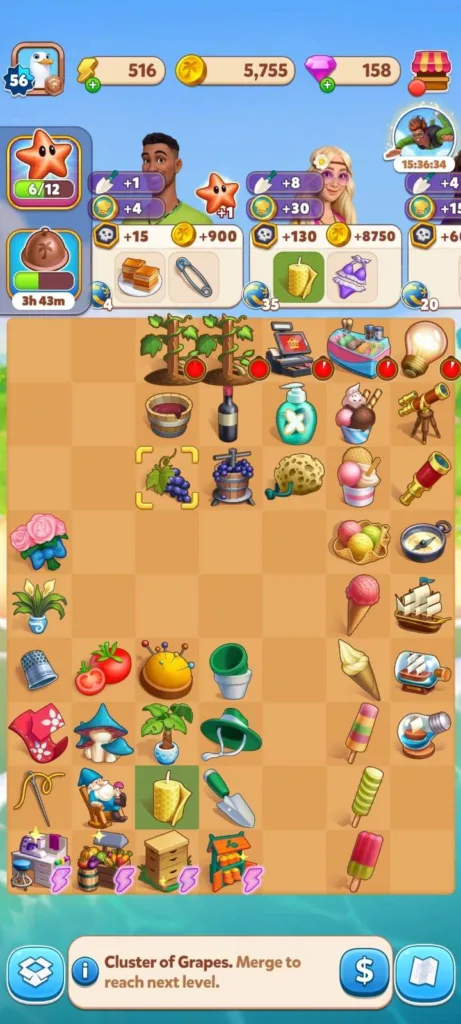
This setup will help you:
- Reduce accidental merges as everything is more organized and make it easy for you to spot which items belong to which producer.
- Easily see what’s going on, even when you come back after a break, you can instantly spot which producer dropped what.
- And keep empty spaces around your Auto Producers so they can always drop new items when their cooldown ends.
Use the Inventory to manage Auto Producers
As I said earlier, board space is crucial for Auto Producers to work well. Therefore, Inventory is the tool you’ll need to manage your Auto Producers. The Inventory is a storage box where you can keep your board items that you’re not using right now, but also don’t want to lose.
Don’t know where to find the Inventory?
Look at the bottom left corner of your screen and you’ll see an open chest. That’s the Inventory, tap it to open it.
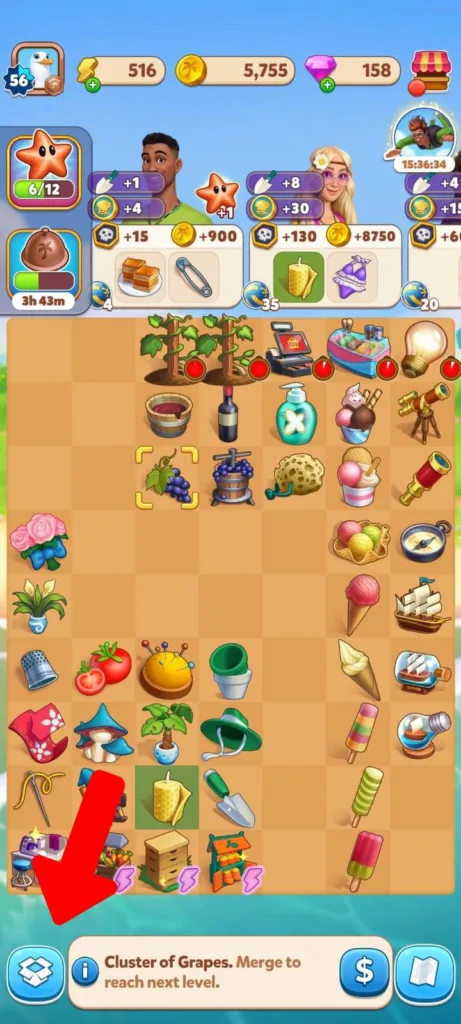
And to store any item, just drag it to that chest, and when you need it, drag it back to the board.
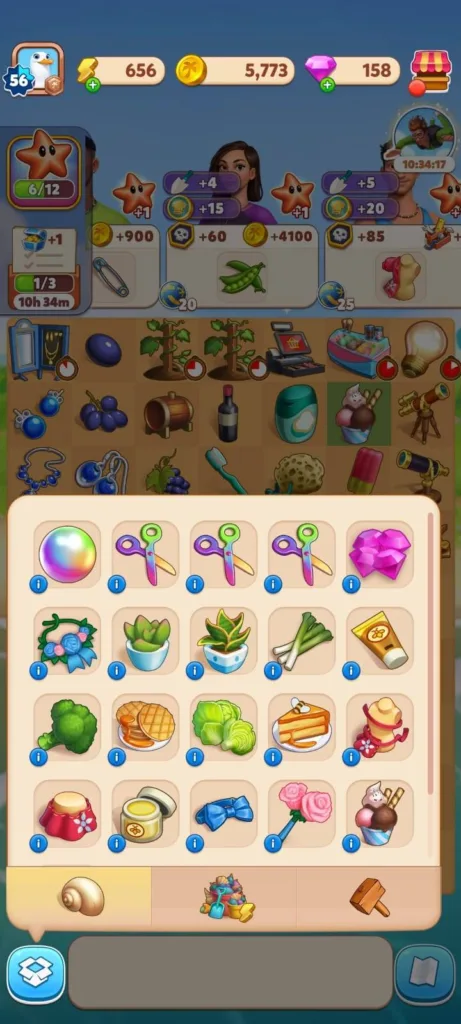
Cool.
Now it’s time for the good stuff: How to use the Inventory to manage your Auto Producers.
Instead of keeping every auto producer on the board at the same time, keep only 2 or 3 active autos (the highest level unmerged versions of a chain) and put the extra copies in storage to avoid accidental merging.
Because a crowded board can slow you down, you can also use the Inventory to store the high-level items until you have enough duplicates to merge, so your board stays clean.
By the way, this is a strategy that I use myself, and even many pro players mentioned it when we were discussing strategies on the Travel Town subreddit.
Note: You have to reach level 8 to unlock the Inventory, and you’ll only get 7 free storage spots. But of course, you can buy more with diamonds.
I recommend checking our Travel Town free diamonds guide to learn some tips so you can unlock more space in the Inventory.
Conclusion
Auto Producers are one of the best ways to progress faster in Travel Town without needing too much energy or spending money on diamonds. They trigger Auto Orders which reward you with coins, toolboxes, and even energy.
Since both energy and Auto Producers recharge over time, here is what you need to do:
- First, use all auto producers so their cooldowns begin.
- Then, spend your current energy on the chains that don’t rely on autos.
- Next, close the game and let both energy and auto producer timers refill.
- Finally, come back later, and you’ll find the Auto Producers and the energy fully charged.
That was everything you need to know about Auto Producers in Travel Town.
Know a good tip? Write it in the comments and I will try it. If it works, I will add it to the article.

Developer: Moon Active | Magmatic Games LTD
Platforms: Android, iOS
Release Date: Feb 21, 2022
Mode: Single-player