
Family Island Merge Game Event Guide
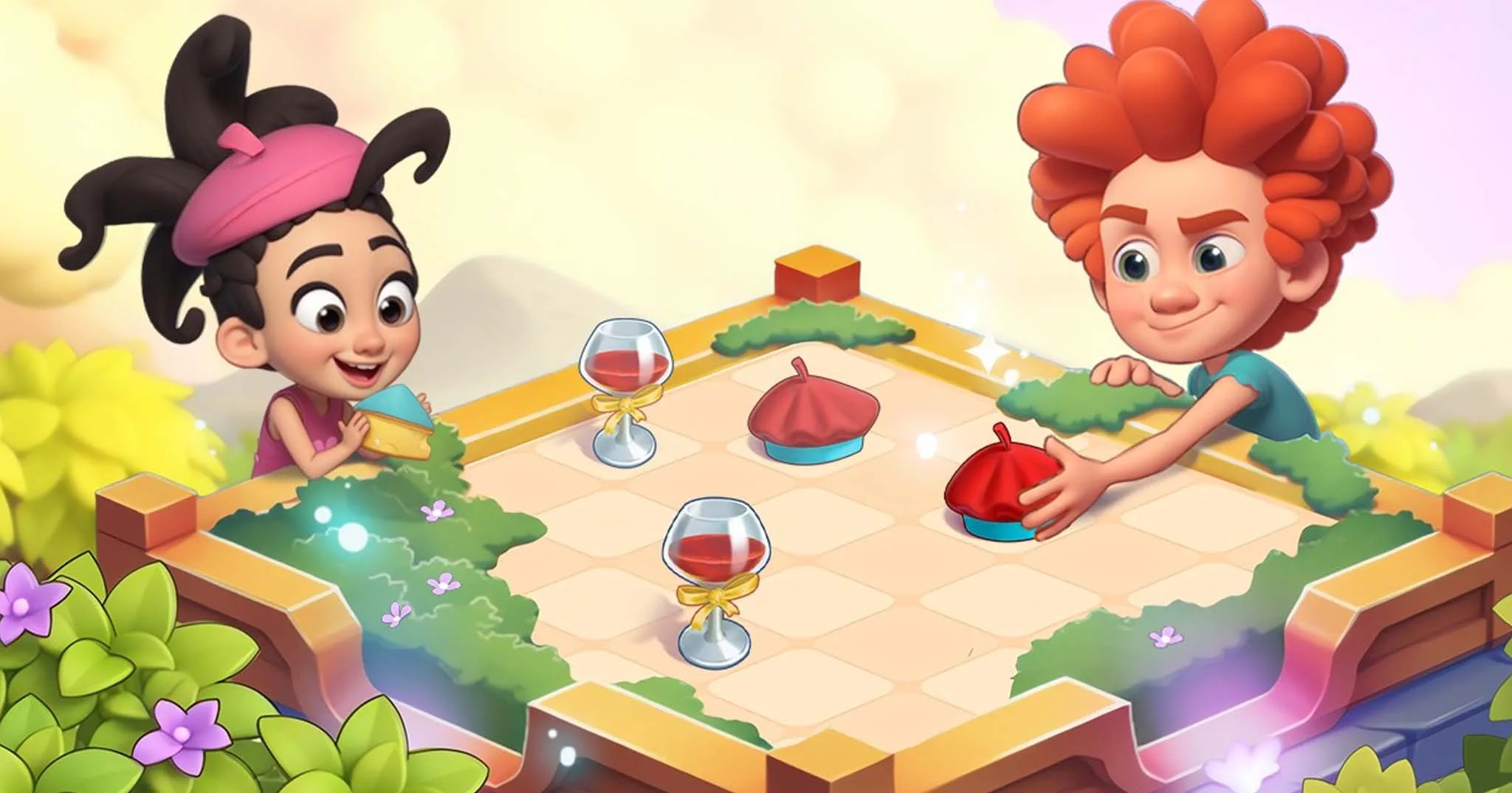
The Merge Game event is like a totally different game in Family Island with a different gameplay. You don’t gather resources or explore islands, but you merge items to level them up and unlock new ones.
And if you’re new to Family Island or you don’t know how this event works, you’re in the right place.
So, in this guide, I will show you how to play the Merge Game event and earn amazing rewards.
Let’s get started.
What Is the Merge Game in Family Island?
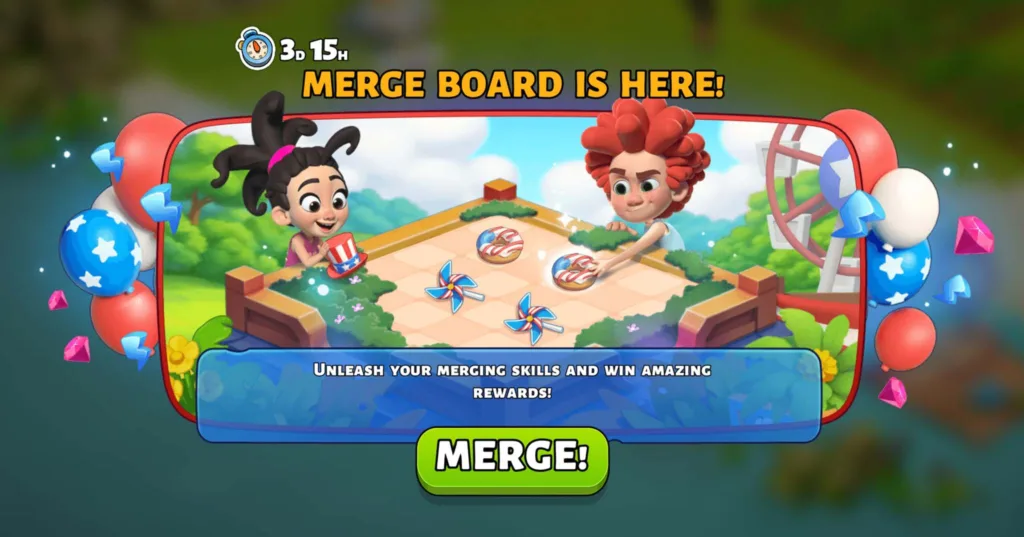
The Merge Game event is a limited time mini game where you play on a separate board to merge items and complete orders. You have to spend energy on the event island to earn merge capsules, then use them to tap the “Producers” objects to generate items on the board.
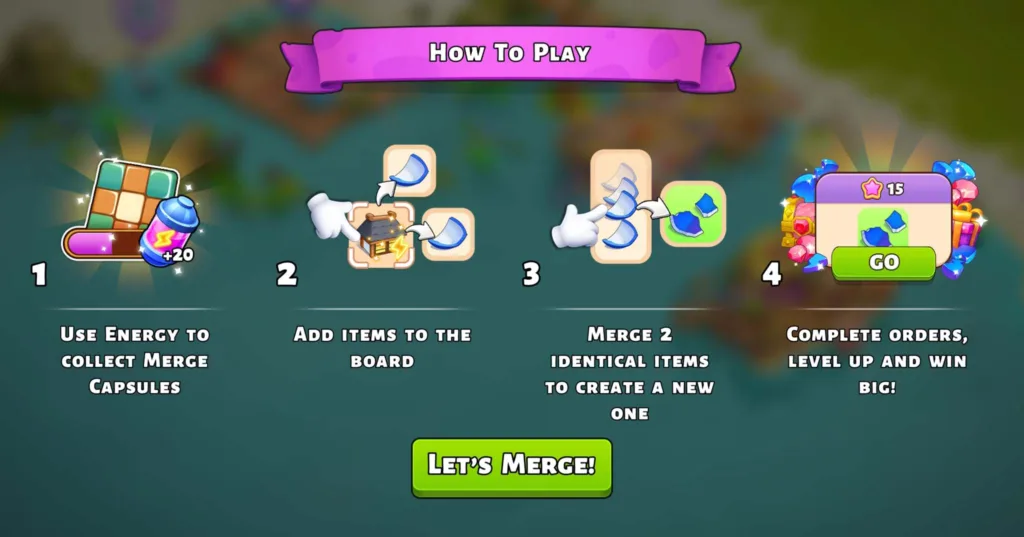
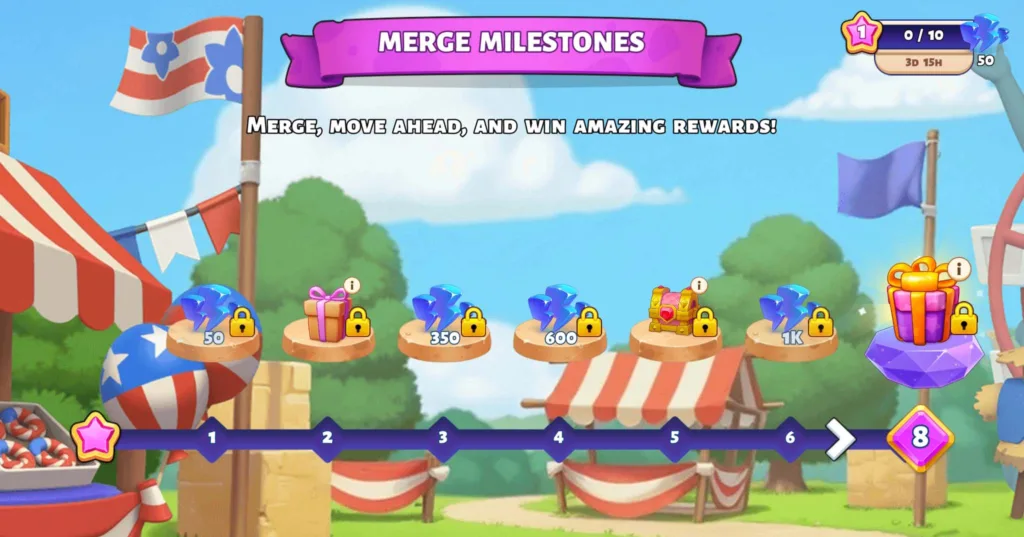
So when you place two similar items together, they merge into a higher level item. And your goal is to create the exact items shown in the order list, then submit them to earn points and unlock rewards (free energy, rubies, cards, etc).
By the way, the gameplay is the same as Travel Town so if you’ve played it before, you’ll understand this event very fast.
How to Play the Merge Game
Now it’s time to see how to play this event:
1. Use Producers
First, tap on the board icon on the home screen to open the Merge Game.
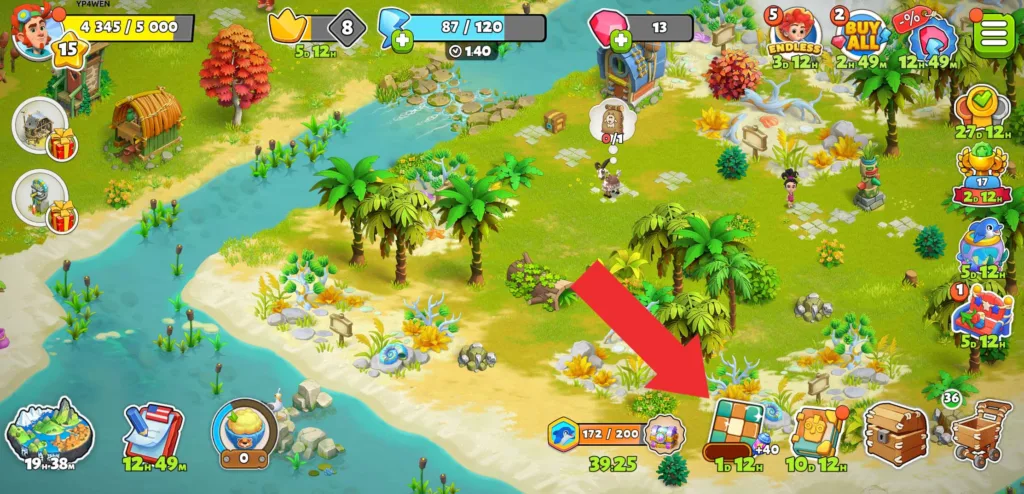
Next, while you’re on the merge board, look for items with a small yellow lightning bolt which are Producers.
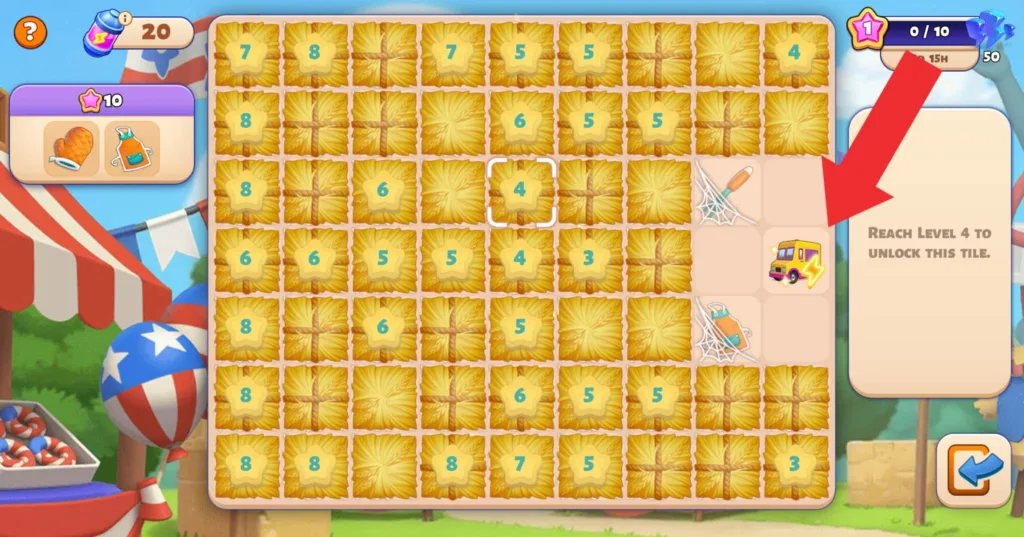
When you tap a Producer, it creates a basic item that appears on the board.
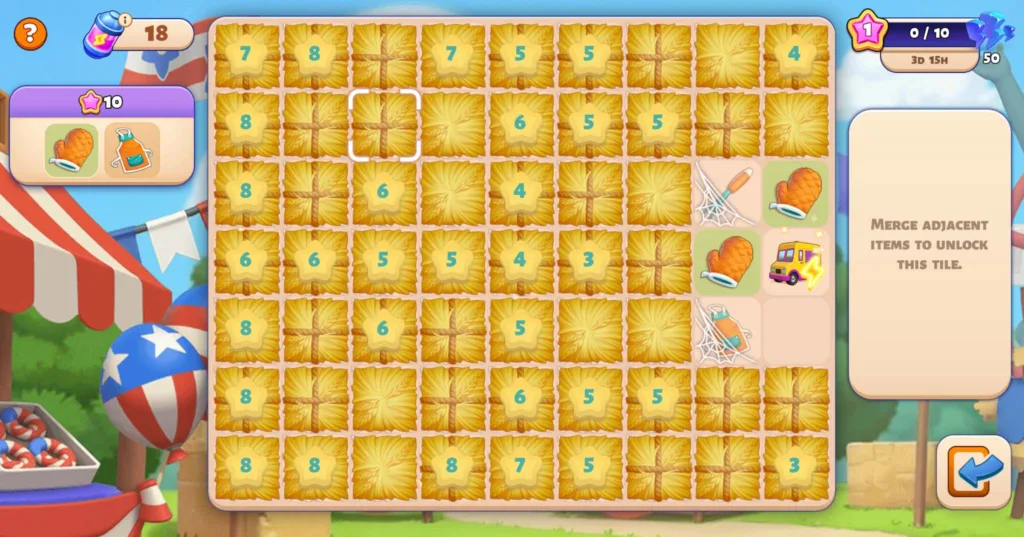
Each Producer creates its own item chain. For example, one Producer starts with oven mitts and as you merge them, they turn into kitchen tools then into a BBQ grill.
2. Merge similar items
Now, drag two similar items together to create the next level in the item chain.
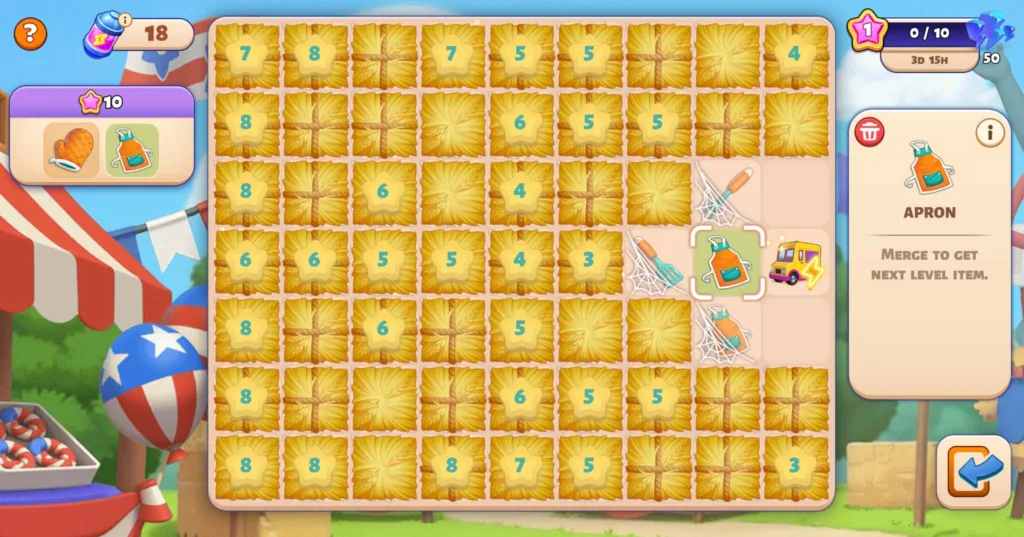
And keep merging until you create the higher level items that match the ones you see requested in the order list.
However, you can merge two Producers to create a new one that generates new items.
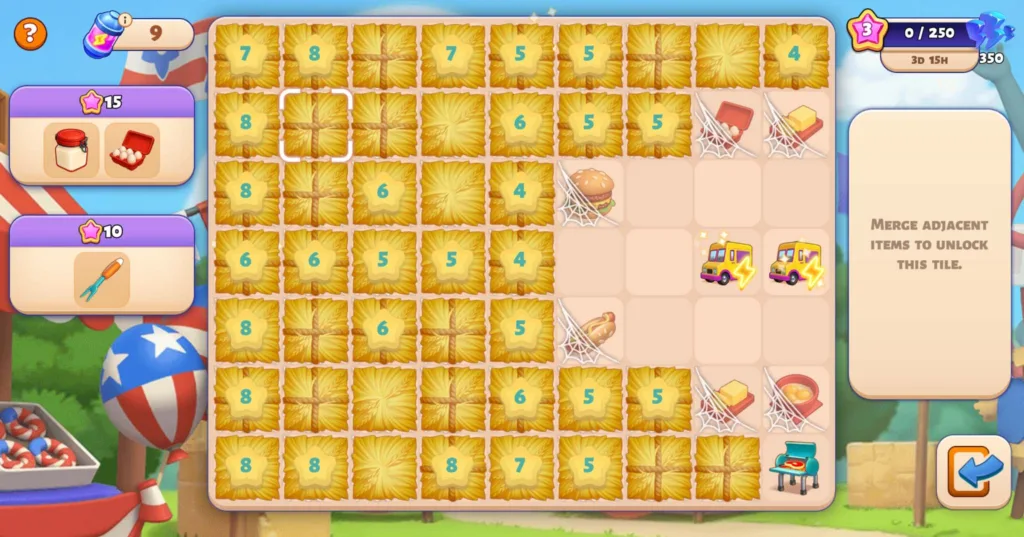
3. Complete orders
You’ll see a list of items you need to deliver on the left side of the screen. And when you’ve created one of these items, tap it and then tap the green “Go” button to deliver it.
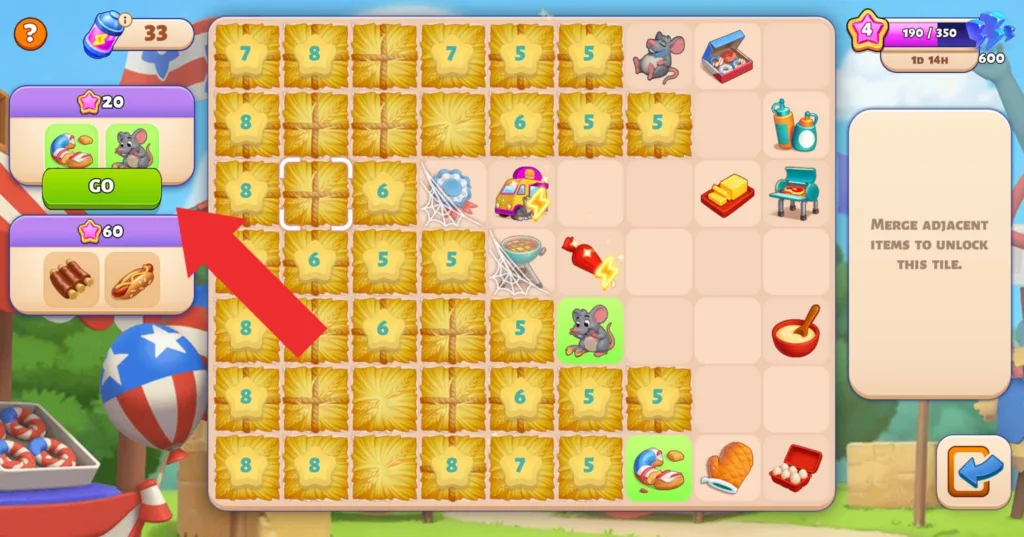
You’ll earn points for each order you complete which help you progress and unlock rewards along the way.
How to Find the Item You Need
As you progress, you’ll keep seeing new items pop up in the orders list. But tapping randomly on Producers will waste the merge capsules you grinded for, so to avoid that, you need to know the exact Producer that generates those items.
Well, here is how you can do that:
First, tap on the item in the order list and a small window will pop up on the right side of the screen.
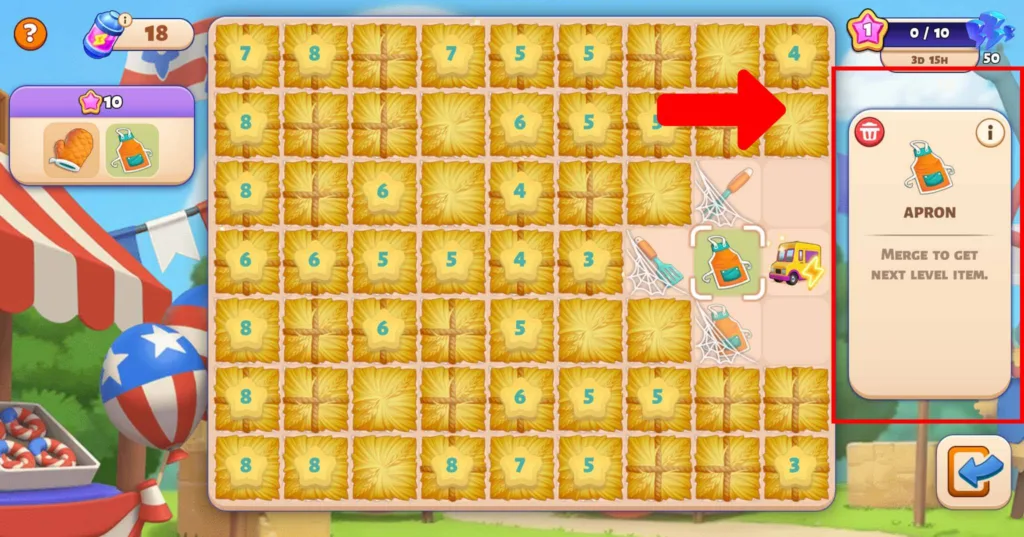
Next, tap the “i” icon, and you’ll see which Producer creates the item and what items you need to merge to get it.
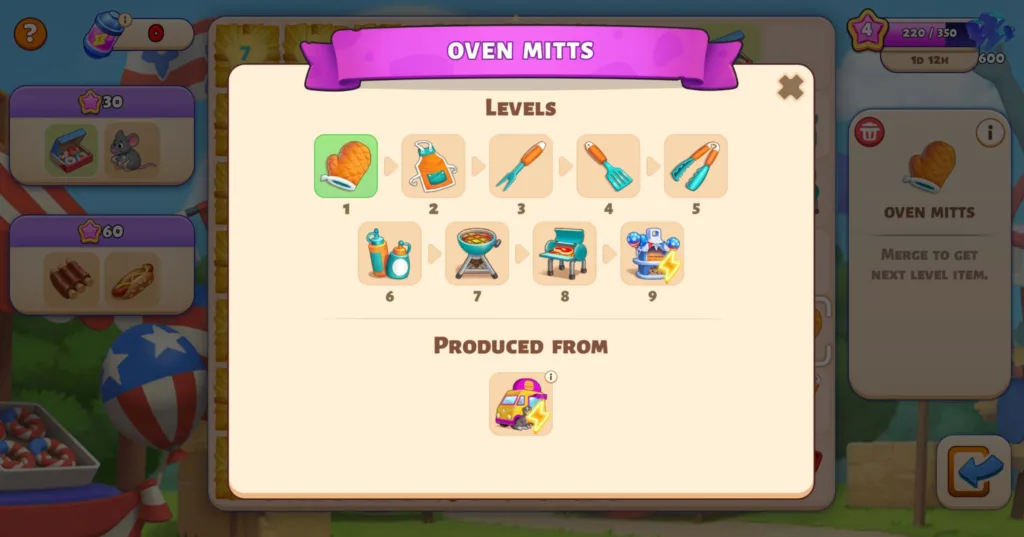
(You’ll also see all items that can be generated from this Producer)
Note: some items will turn into “Secondary Producers” when you merge them to the final level of the merge chain. So they generate unique items in a limited number, then they turn back to their previous form, which means you’ll need to merge them again if you want to transform them into a Producer.
That’s all there is to it.
How to Unlock More Space on the Board
The merge board has a limited space so it can fill up quickly, and then you can’t generate new items.
That said, it’s important to know how to manage your board so you won’t run out of room.
First of all, some items on the board will be locked by a spider web, and you can unlock them by merging similar items.
Second, some areas on the board will be blocked by tiles, and there are two types of tiles:
- Tiles with a number
- Tiles without a number
You can break the tiles without numbers by merging the items right next to them to get new slots. But the tiles with a number can’t be unblocked until you reach that level in the event.
Finally, if you unblock all the slots and still don’t have enough space to generate new items, then you can use the “Delete” button. Here’s how:
- Tap on the item you want to delete from the board.
- An info pop-up will appear on the right side of the screen with a small trash icon.
- Tap on the trash icon to delete the item.
By the way, you can undelete the item by tapping the undo button that appears right after deleting the item. But if you tap something else on the board, you can’t use the undo anymore.
Conclusion
So that was everything you need to know about the Merge Game event.
Just remember to check which Producers generate the item you need. This way, you’ll save your merge capsules and not fill the board with random items you don’t need yet.
Now you’re ready to go and start merging so you can claim those free rewards before the event ends.
And don’t forget to check our other Family Island guides:
